


Contents
- 1 Pocophone Launcher 2.0: built for speed
- 2 Nova Launcher: the gold standard of customization
- 3 Apex Launcher: for the theme lovers
- 4 Smart Launcher 5: many choices, but not too many
- 5 Microsoft Launcher: it means business
- 6 Action Launcher Pixel Edition: bringing material design to all
- 7 Niagara Launcher: for the pure minimalists
- 8 What’s most important in your choice of launcher?
Jump to section:
- Pocophone Launcher 2.0
- Nova Launcher
- Apex Launcher
- Smart Launcher 5
- Microsoft Launcher
- Action Launcher: Pixel Edition
- Niagara Launcher
Pocophone Launcher 2.0: built for speed
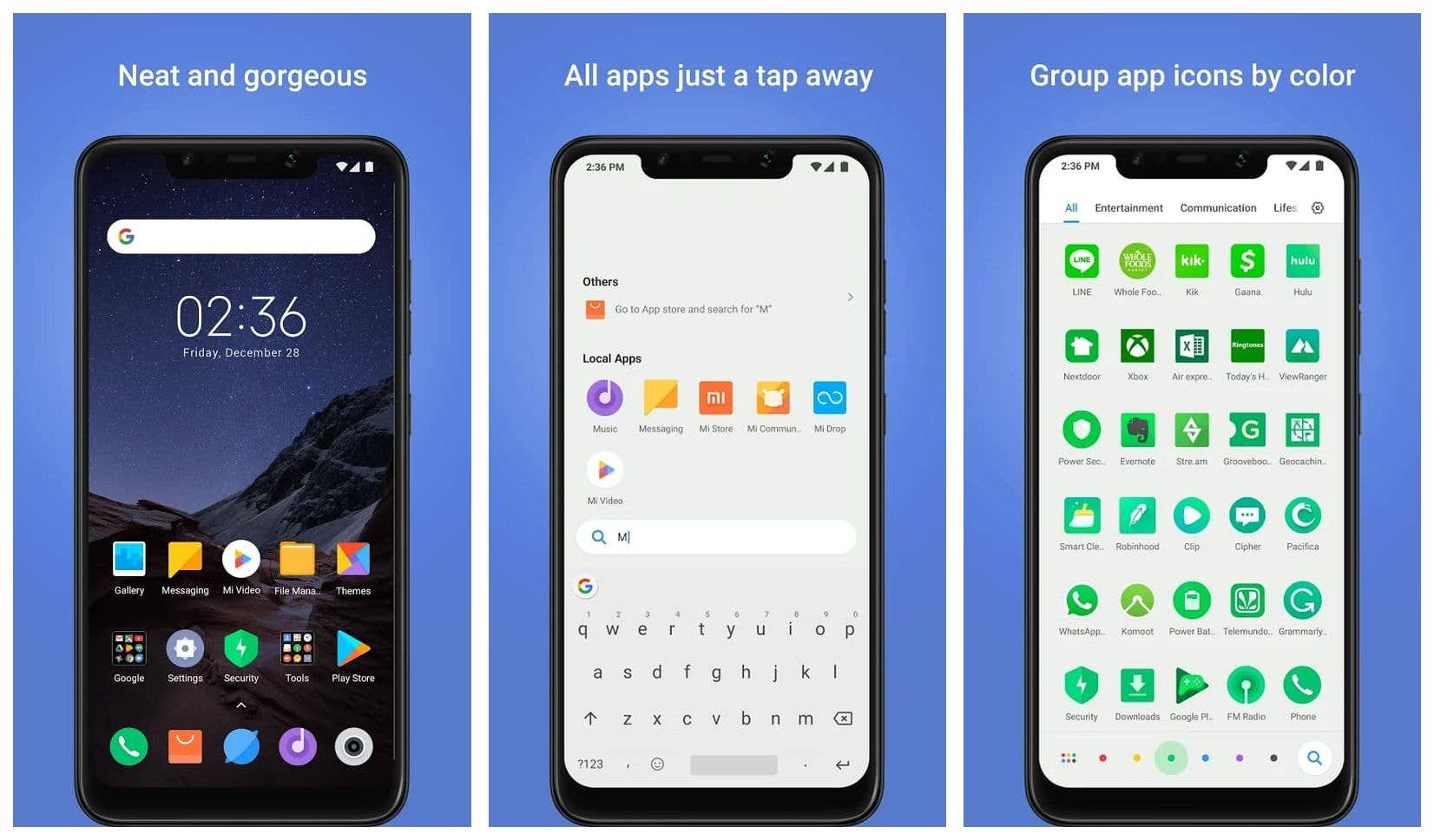
This Xiaomi launcher is all about speed. The Pocophone F1 turned heads in our editorial office when it launched earlier this year and the software is fundamental to this speed approach. The launcher plays a huge role in that. It is the launcher I am using right now, in fact, and the thing just absolutely flies. The option to search for apps by color is also surprisingly intuitive. Now in its second version, the Poco Launcher is even more lightweight. If you are looking for a fast, no-nonsense launcher for your Android smartphone, look no further than this one.
Nova Launcher: the gold standard of customization
We have written extensively about Nova Launcher, with a whole bunch of tips and tricks. Many say this app is the reason to buy an Android phone rather than an iPhone and it’s easy to understand why. Nova doesn’t look like much when you first open it, but open up the settings menu and you’ll find a trove of options for customizing a whole range of features: from app margins and sizes, to font colors and appearance, to your app drawer layout and animation effects, to screen gestures, to dock settings to unread badges; the list goes on. Essentially, as far as customizing Android without root goes, Nova Launcher offers about as many options as you’re likely to find and it offers great performance.
Apex Launcher: for the theme lovers
Apex Launcher is a feature-packed launcher which offers a huge amount of customization and doesn’t contain ads or bloatware apps. Apex Launcher is in many ways very similar to Nova, offering a wealth of options for the app drawer, dock bar, folders and home screen and it even includes a backup option for transferring the same settings to other devices. So it’s dense, but unlike Nova it also supports a huge selection of themes. These custom-made icon packs and wallpapers can be very impressive and show off what’s great about Apex. One of the coolest features of Apex is that you can make use of several dock bars, too. You can also customize the home button to house more than one action. One press will bring you to your home screen, as usual, but a second press could be used for any number of shortcuts, like opening another app, taking you to your notifications, or launching the Apex Settings menu.
Smart Launcher 5: many choices, but not too many
Smart Launcher 5 is a total overhaul of previous versions of the launcher, which is quicker and manages to remain simple. The launcher will adapt its colors to match whatever wallpaper you set, so it requires low effort to make it look nice. Icons from Android Oreo are supported, so you’ll get all the shapes and sizes your heart desires. Similarly, you can go wild with widgets by using as many as you want and resizing them without grid snapping. The launcher is easy to use with one hand, and it keeps your smartphone under control by sorting your apps into folders and allowing you to protect apps with a PIN.
Microsoft Launcher: it means business
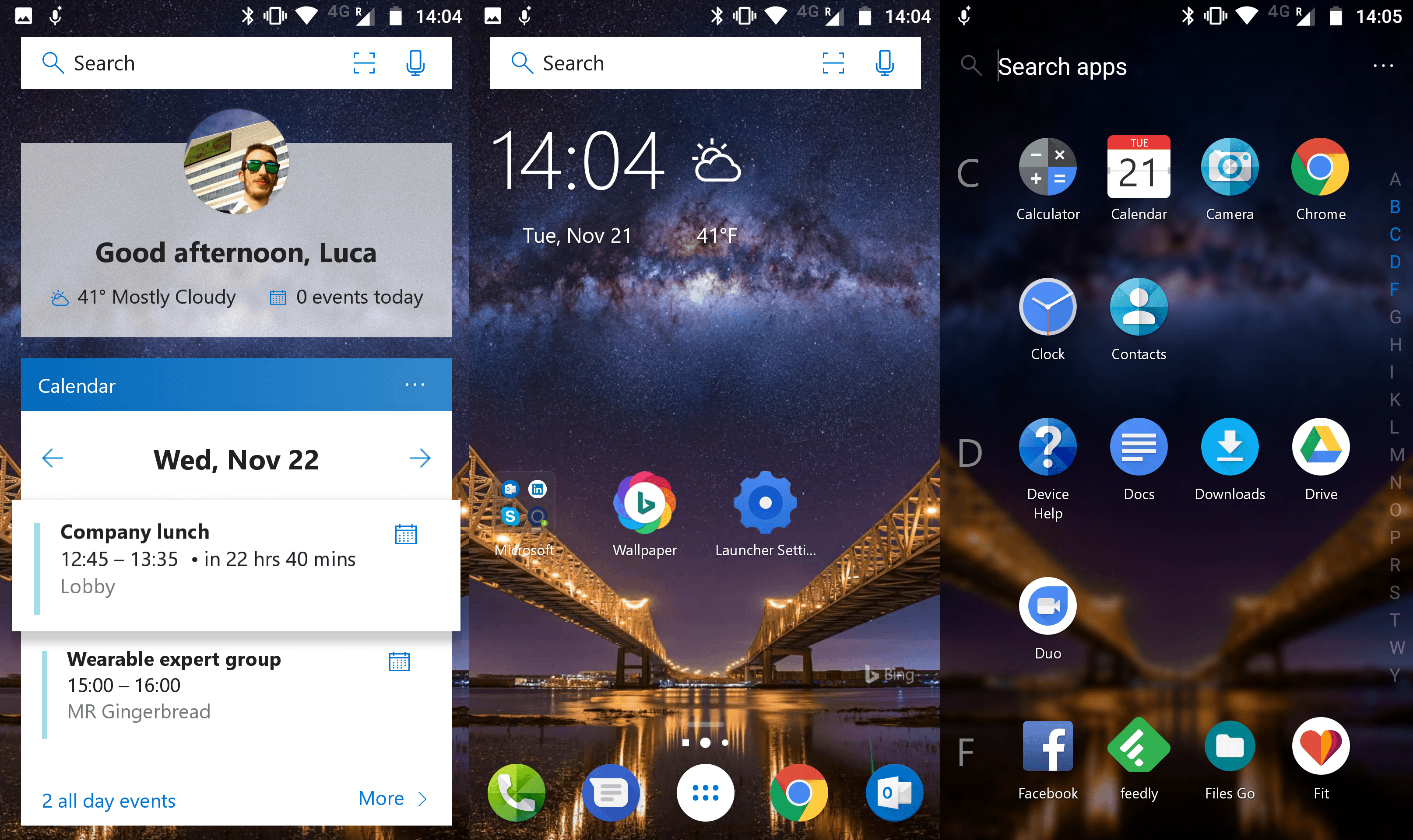
Formerly known as Arrow Launcher, the latest iterations of Microsoft Launcher have been outstanding. If you want to customize and tweak everything under the sun, this isn’t the one for you, because you’re limited to theme colors and icon packs. But, if you want a sleek, almost business-like launcher that just plain works, this is a prime choice. It gives you a personal feed of your calendar, recent documents, important contacts, and more. Plus, you can use your Windows PC to access documents from the smartphone instantly. Importantly, it’s bloatware-free.
Action Launcher Pixel Edition: bringing material design to all
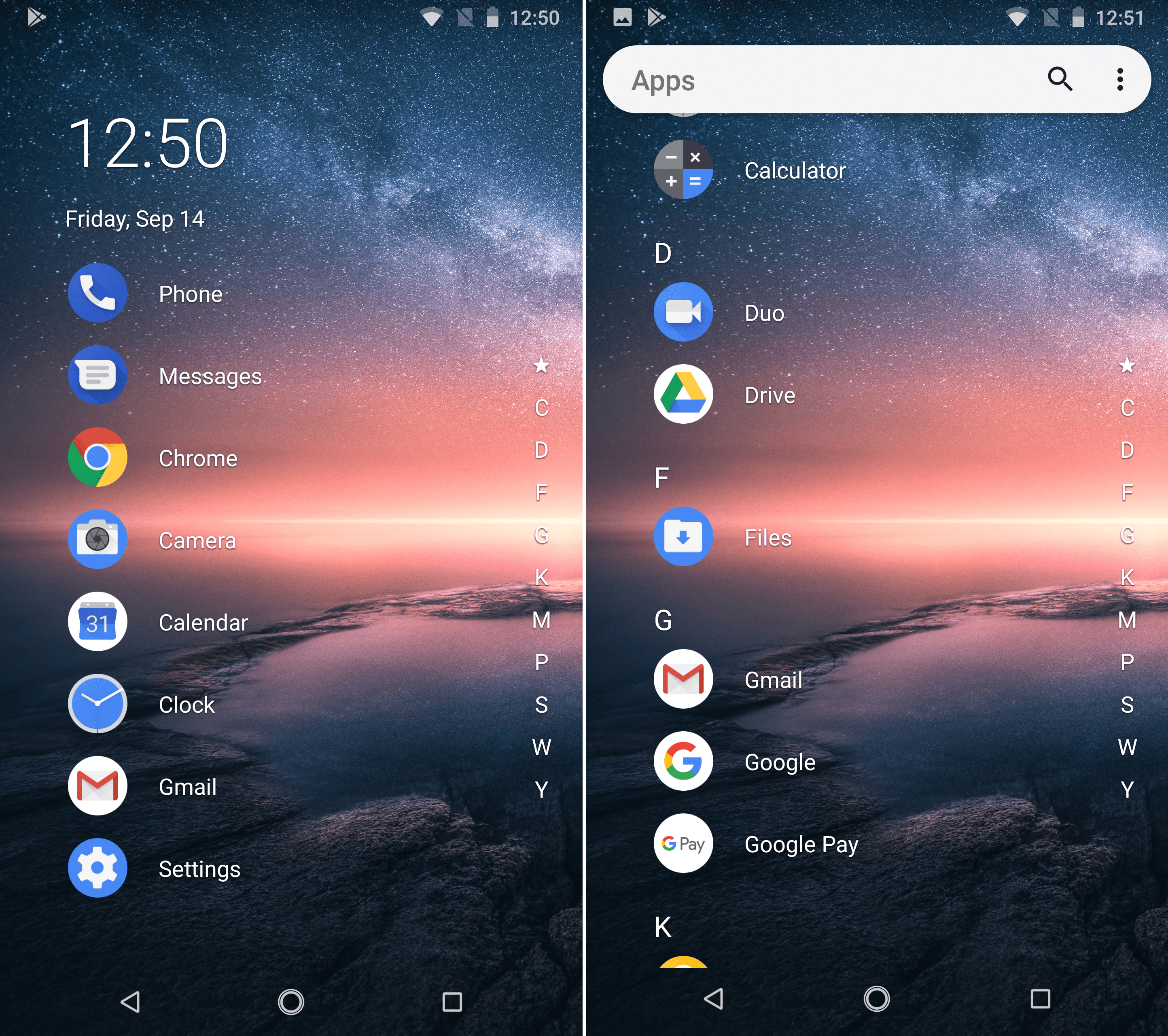
If you dig the material design look of stock Android with a Pixel twist, and want some of the latest features of Android Pie, it is possible on your device, even if you don’t have a Pixel. In fact, you can have all of that and more since Action Launcher: Pixel Edition also gives you a ton of customization and color options, and some unique features. You can customize the dock search box and quickbar, and make use of “covers”, which are a unique way to access folders and apps.
Niagara Launcher: for the pure minimalists
If you want a minimalist launcher, you can do no better than Niagara Launcher, which manages to be even more streamlined than the popular Evie Launcher that used to grace this list. On your home screen, you can have a list of up to 8 frequently accessed apps. Then, you can access a full list of apps using the alphabetized sidebar, by previewing them or by opening the full list. There’s no bloat, no folders, and no fuss. Best of all, it’s super speedy, so it can breathe new life into lower-end smartphones or old, frustrating tablets you have lying around.
What’s most important in your choice of launcher?
- To make the UI look cool and unique. : 61%
- To help me organize my apps and contacts.: 39%
Votes: 597
Are you rocking a custom launcher that we’ve missed? What do you think is the best Android launcher? Let us know in the comments.
I always use Nova Prime, I like trying other launchers though. I tried Lighting launcher about ten times, couldn’t get into how long it takes to customize every single detail. it’s too customizable. But it feels smooth and it can look any way you can imagine.
This is good ap
I like reading comments by users who have completely different ideas from mine, like the one below saying the stock launcher is part of a new device’s innovation. My opposite preference is for always the same across a phone and couple of tablets, so no learning curve or spending weeks learning whether the OEM’s is any better, and no confusion among three current devices. I’ve stuck with the original ADW v1 set up exactly the same as on Gingerbread (and so small it’s lightening fast on new hardware.) I like a single blank screen for my own photos, with tabbed app drawers, which ADW v1 perfected, current ADW trashed, and others are clumsy or can’t do.
I loved your list of launcher but you missed ilauncher for android where we can use iphone feature on adnroid phone.
Great article. I have been using Buzz Launcher on my Gs7 for about two weeks, because I enjoy being able to personalize my phone, and this one has literally infinite possibilities of screens, icons, layouts, everything, plus a bonus: the Buzz Homepack community. Not only does it allow you to share your ideas, you can use other users’ homepacks, as well as communicate with them, like a version of a social website. It’s pretty cool.
That being said, I’m still learning to use it, as I was slow to accept technology (my parents were genuine Woodstock hippies), and I’ve been playing catch-up since my first Blackberry in 2010.
I wondered if anyone else had tried it, and what his or her thoughts were. It’s taking me awhile to learn, but I’m not sure if it’s because it’s a complicated UI, or just my very basic beginner’s skills.
I’m having fun with all the options, but there are so many that I haven’t finished a screen yet because I keep tweaking them.
My favourite is Nova Launcher. Irreplaceable for me. ?
Landscape aspect ratio. With the newer devices using a tall and narrow aspect ratio, almost all launchers will struggle in landscape mode.
Smart launcher has a great home page where the top half will be the left side and bottom half, right side accordingly. So I can recommend that for landscape.
Last but not least. Lightning Launcher is my favourite but requires a ton of configuration.
Hopefully all Devs will start to adapt to the not so conventional aspect ratios
Nova and apex are the best android launcher but other apps you suggested in the post are also good. Btw I am also an app developer and I am building an app like Nova Launcher.
I miss Google Now.
I do, too ….. but Google dropped the ball when they bailed on it (all Motorola phones come with a Launcher just like Google Now)
Microsoft launcher is a real beauty
I normally use the stock launcher on my pixel2, but when I want a change I go to Nova and Microsoft launchers. I may take a peek at a couple of the others listed here.
I’ve been using NOVA Launcher for 2 years now (very happy with it), but every Launcher in this article is fine to use! ?
Apex shouldn’t be on this list.
Intrusive ads masquerade as text messages
Constant notifications I haven’t bought a subscription. For the launcher, for the weather, for the themes…
And this launcher disabled swapping to a prior app, or even accessing the list of running apps (native Pie one button nav gestures all disabled)
Whole experience felt like a damn virus.
What the hell? How big of a kick back did you get for this supposed ‘report’?
6+ years on Nova Launcher and still pleased across all my devices. The export/import option saves me a LOT of time switching devices and the customization capabilities are enormous so if I decide to do something different I can change it on one device, export it, then import it to the others and voila, fresh new look across all devices.
Interesting that this article about 2019 has comments going back to 2013. 😛
Have you tried Hyperion Launcher by project.io – The developer behind Substratum?
Thanks
I’ve used microsoft launcher
will try Microsoft Launcher, as there are many reviews of it.
Good article…!!!